Google Sans Bold Italic Font
✎ Sans Serif
📄 TrueType
🔢 1018 chars
⬇ 0
💰 Commercial

Google Sans Bold Italic Description
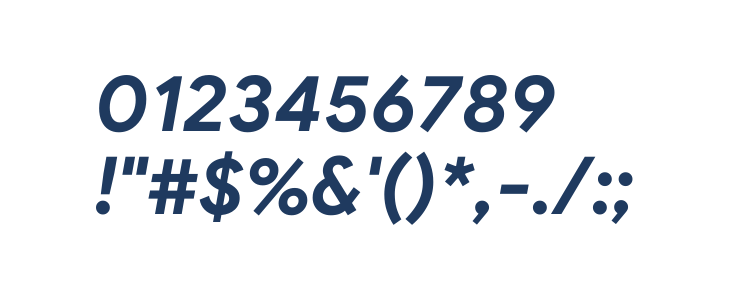
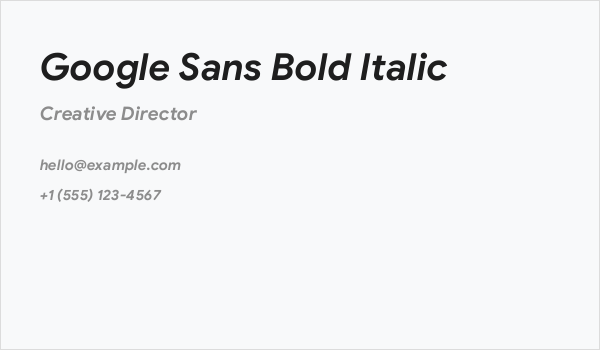
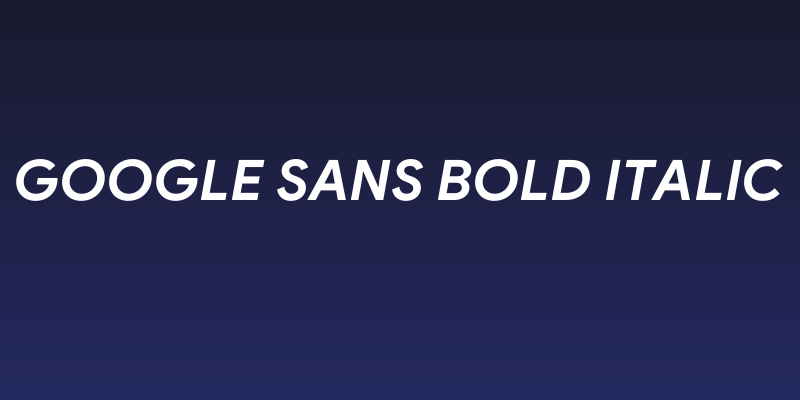
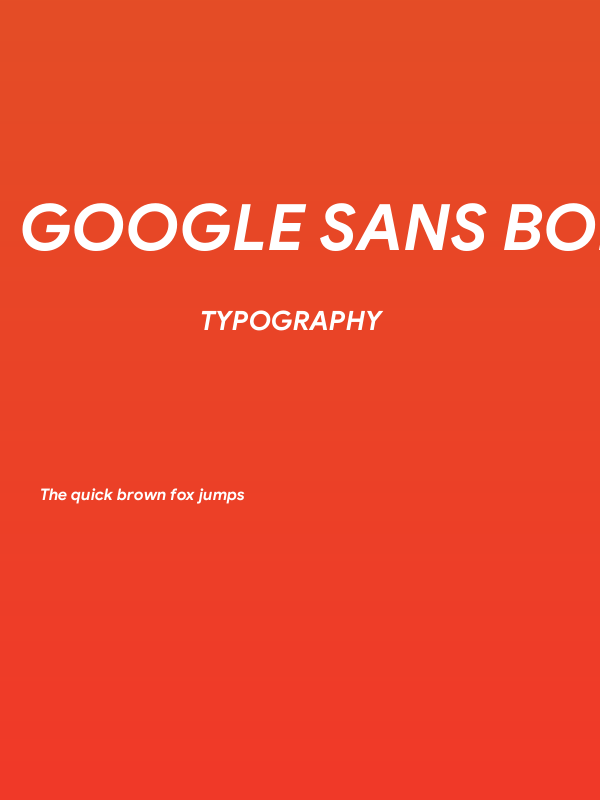
This font features a modern and clean sans-serif style with a bold and italicized appearance. The characters are slightly slanted, giving a dynamic and forward-moving impression. The strokes are consistent in thickness, providing a uniform look across all characters. The uppercase and lowercase letters are well-proportioned, ensuring readability and balance. The numerals are clear and distinct, making them suitable for various applications. Special characters are included, maintaining the same bold and italicized style, which adds versatility to the font's use. Overall, this font exudes a contemporary and professional vibe, ideal for digital and print media.
Fonts by Google
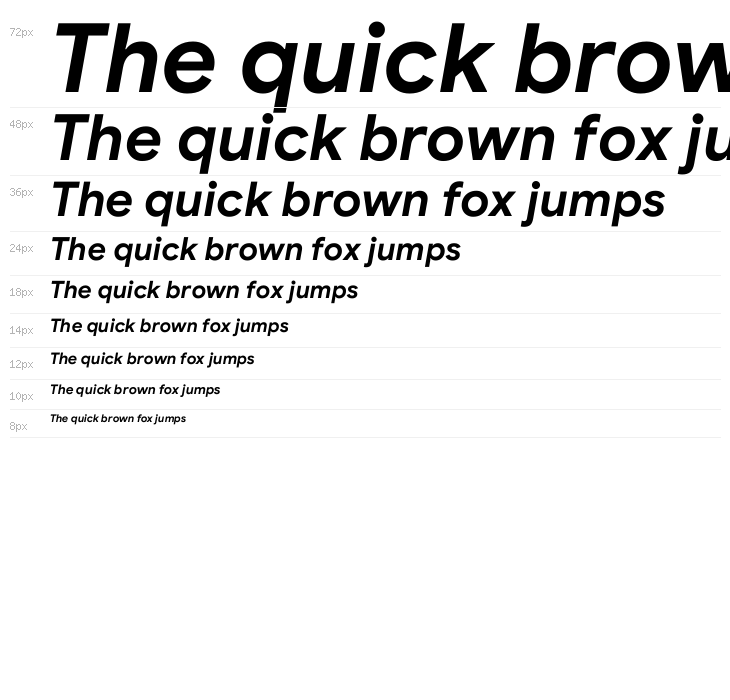
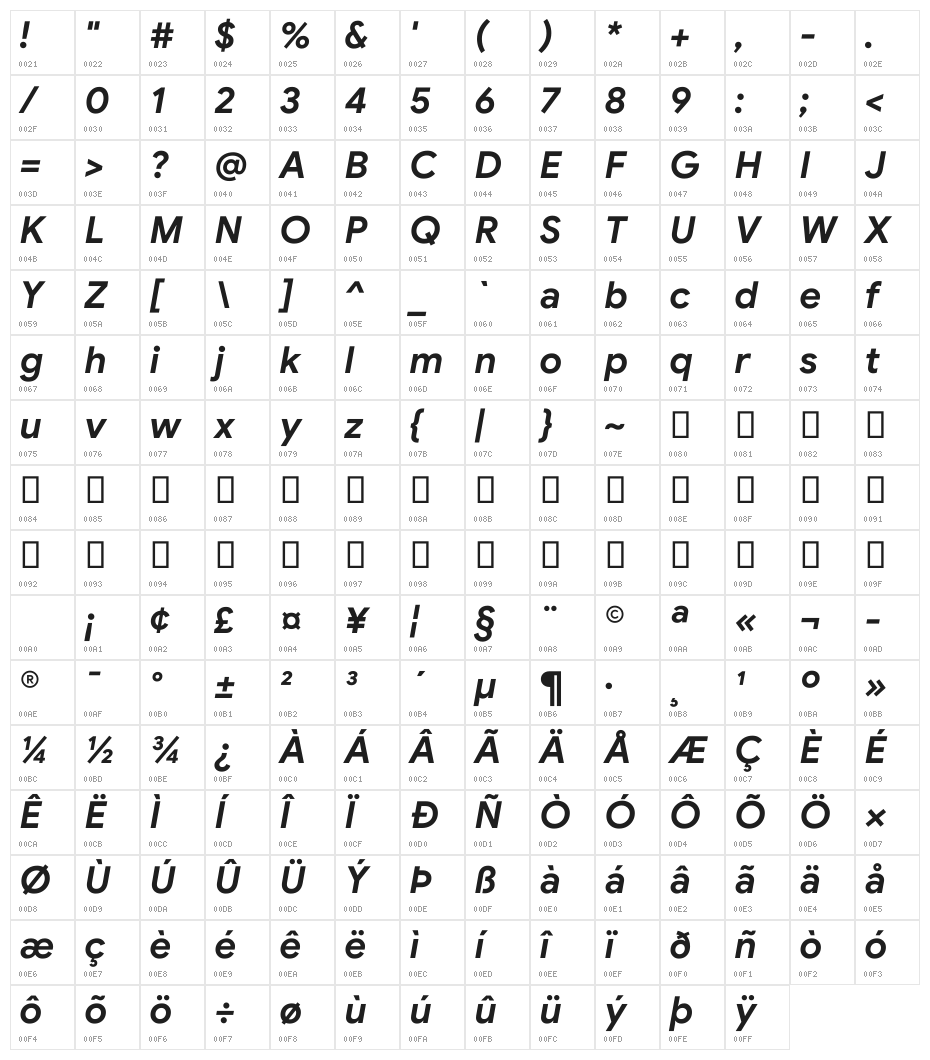
This font includes 1018 characters. Click on any character to see details.
Numbers & Symbols
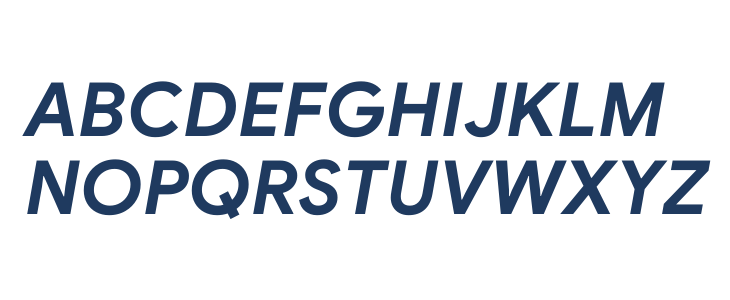
GOOGLE-SANS-BOLD-ITALIC UPPERCASE
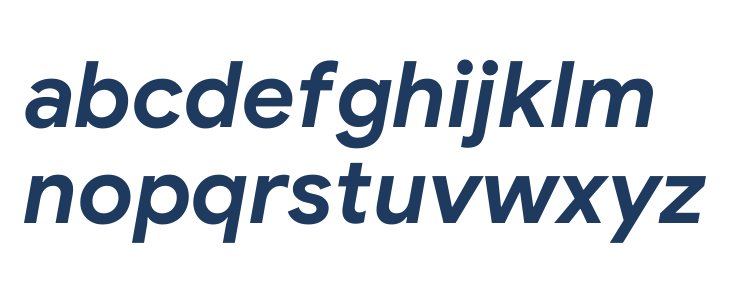
GOOGLE-SANS-BOLD-ITALIC LOWERCASE
GOOGLE-SANS-BOLD-ITALIC OTHER CHARS
GALLERY EXAMPLES
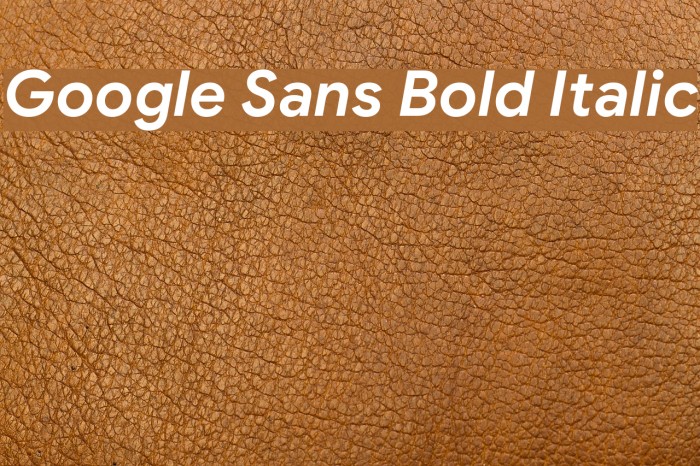
Similar Free Fonts

Business Card
Social Header
Logo

Poster
Information
| Name | Google Sans Bold Italic |
| Format | TrueType (.ttf) |
| Weight | Bold Italic |
| Version | Version Version 1.023 |
| No. of Characters: | 1018 |
| Downloads | 0 |
| Added | 2019-02-26 |
| Updated | 2024-11-27 |
| Categories | Sans Serif |
| Bold | Yes |
| Italic | Yes |
| Width | Normal |
| Character Spacing | Monospaced |
| Contrast | Low |
| Overall Style | Modern |
| Use Case | Headlines, Body text, Logos |
| Proposed Projects | Ideal for branding, advertising, digital interfaces, and editorial design. |
| Is Fixed Pitch | No |
| Web Font | Not available |
| License | Free for personal use |
Fonts by Google
Tags
💻 Windows
- Extract ZIP
- Right-click .ttf -> Install
🍎 macOS
- Extract ZIP
- Double-click .ttf -> Install Font
Google Sans Bold Italic
TrueType
| Name | Google Sans Bold Italic |
| Type | TrueType |
| Characters | 1018 |
| Downloads | 0 |
| Added | 2019-02-26 |
| Author | Fonts by Google |
| Categories | Sans Serif |